Cluster your matches
Clustering groups your matches by who they're related to, so you can tackle a whole branch of your tree at once instead of one match at a time. GDAT 4 offers several clustering methods in the Analysis workspace. This page explains which to use when.
The three clustering methods
| Method | Based on | Best for |
|---|---|---|
| ICW Clusters (Leeds method) | Who is in-common-with whom | A quick first pass that separates your matches into a handful of big clusters — often roughly your four grandparent lines. |
| Warthen Clusters (WIC) | A correlation matrix of shared cM | A finer, tunable clustering with cM-range, cluster-size, company, and threshold controls, plus an ancestor overlay. |
| CMA (by chromosome) | Segments shared in the same chromosome region | Chromosome-aware clustering — groups that share DNA in the same place, complementing WIC. |
A good order: run ICW Clusters first to see the big
picture, then WIC to refine a branch, then CMA when you want to tie a
cluster to specific chromosome regions.
1. ICW Clusters (Leeds method)
- Open Analysis → ICW Clusters.
- Set Top matches (default 40) — how many of your strongest matches to include.
- Click Build Matrix. Matches that share ICW connections group together along the diagonal.
Each block along the diagonal is roughly one ancestral line. See the Collins-Leeds method explainer for the theory.
2. Warthen Clusters (WIC)
- Open Analysis → Warthen Clusters (WIC).
- Set the controls: Top matches (default 100), cM from / to (default 20–4000), Min cluster (default 3), a Company filter, and a threshold (Easy / Standard / Strict).
- Click Run WIC. The result is a heatmap; hover a cell to see the two matches, their shared cM, and any shared ancestors.
Cluster one company at a time. Choosing All companies
mixes vendors that can't be directly compared — GDAT warns you and recommends picking a single company
for the cleanest clusters. See the Warthen Interactive
Cluster explainer.
3. CMA (by chromosome)
- Open Analysis → CMA (by chromosome).
- Set cM from / to (default 10–1500) and Min SNPs (default 500).
- Click Run CMA, then use the Chromosome dropdown to step through each chromosome's clusters.
See the Chromosome Matrix (CMA) explainer for background.
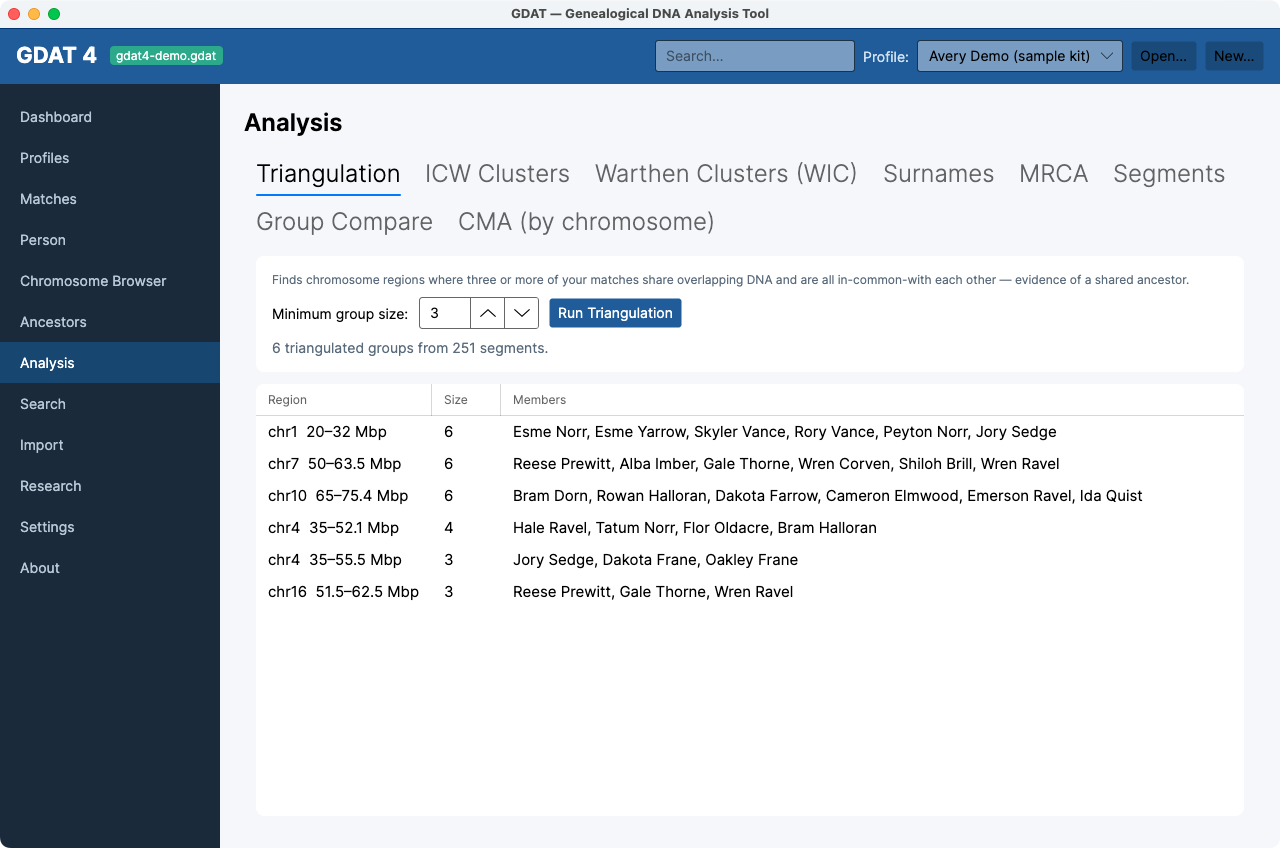
Ancestry-only kits have no segment data, so CMA and
segment-based views will be limited. ICW Clusters and WIC still work, since they use shared-cM and ICW data.