Dashboard
What it's for: a landing screen with at-a-glance counts for the active kit. Each tile double-clicks straight into the screen it summarizes.
The tiles
Six tiles show the totals for the active Profile. Double-click a tile to jump to the matching workspace:
- DNA matches → Matches
- People (testers) → Matches
- Tree ancestors → Ancestors
- Shared segments → Chromosome Browser
- In-common-with pairs → Analysis
- Ahnentafel entries → Ancestors
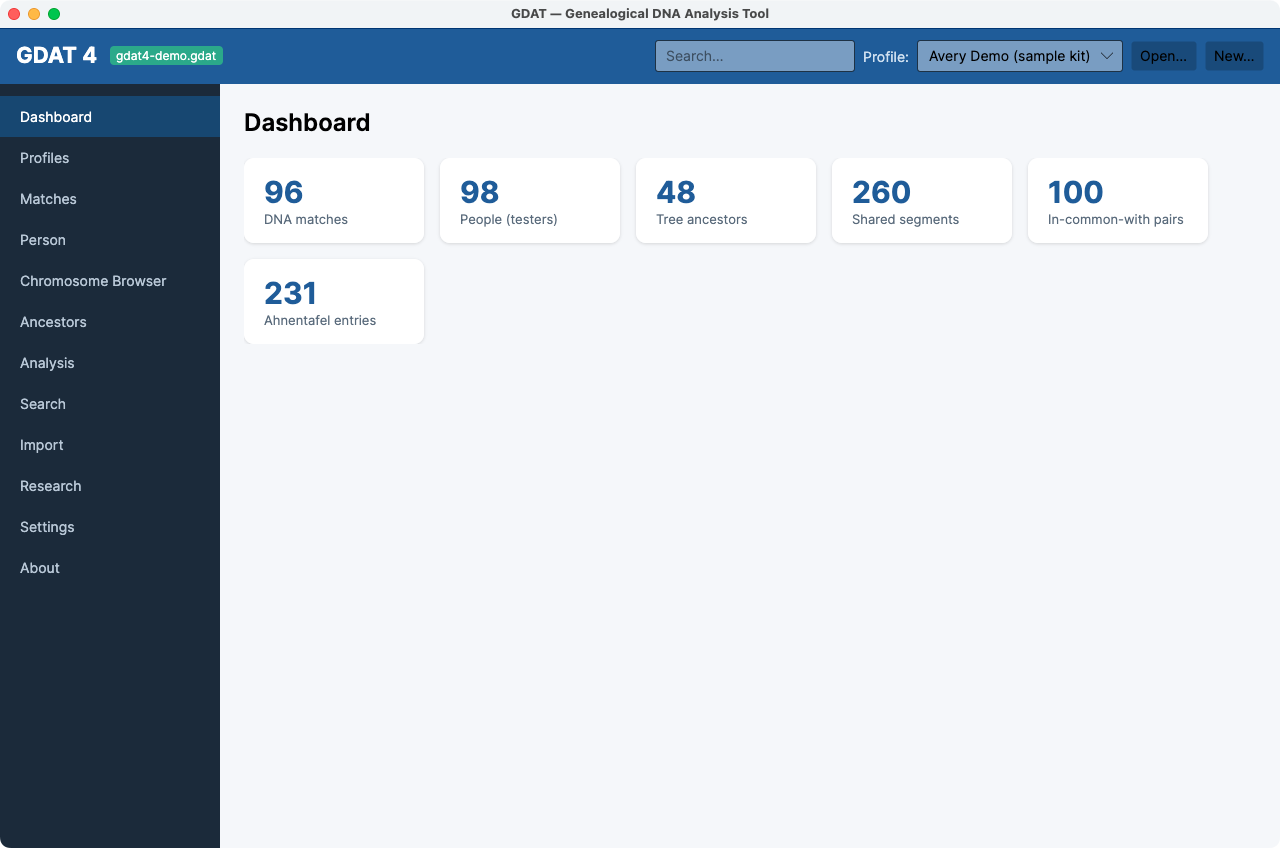
The counts are per active kit. Switch kits in the top-bar Profile selector
and the Dashboard re-scopes instantly — a quick way to compare the size of two kits.