Search & Replace
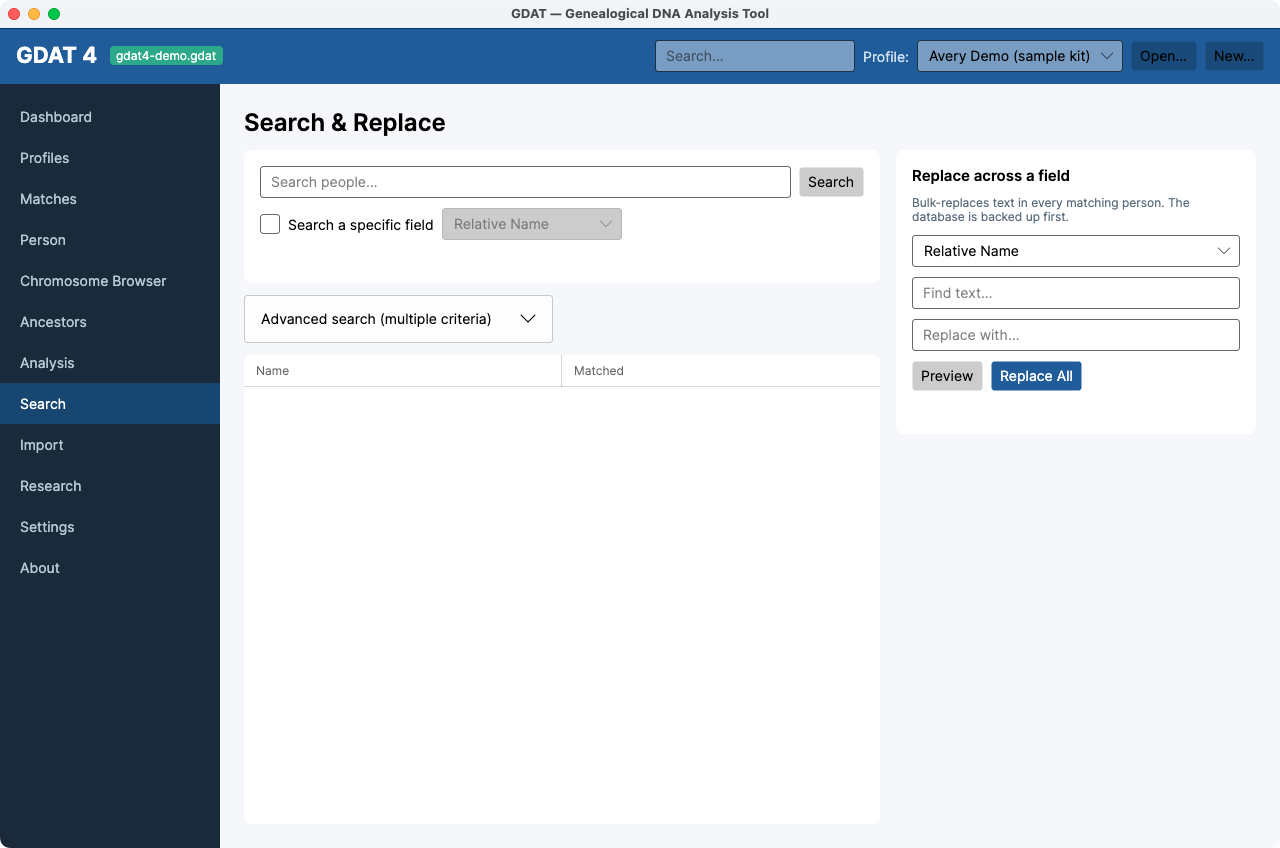
What it's for: finding people by any field, building advanced multi-criteria queries, and safely replacing text across many records at once.
Quick search
- Type in Search people… and press Enter or click Search. (The top-bar global search box does the same thing and jumps you here.)
- Tick Search a specific field to scope the search to one field — Relative Name, Relative Email, Relative Contact, Surname, Family Location, Maternal/Paternal Haplogroup, or User Defined.
- Click a result to open it in Person.
Advanced search
Expand Advanced search (multiple criteria) to combine conditions: add rows with + Add criterion, choose Match all (AND) or Match any (OR), and click Search.
Replace across a field
Bulk-fix text in every matching person:
- Choose the field, enter Find text and Replace with.
- Click Preview to see how many records contain the text.
- Click Replace All. The database is backed up first, and the status reports the count and backup file.
Replace All changes many records at once. Always
Preview first to confirm the count is what you expect. A backup is made automatically, but
previewing avoids a surprise.