About
What it's for: the app's identity and a built-in quick reference. The About workspace shows the GDAT 4 version, a short description, the five getting-started steps, a summary of the main workspaces, and the folder where GDAT writes its logs.
Finding your version
The version line reads “GDAT 4 · v… · .NET/Avalonia rebuild.” Quote it when you ask for help so support knows exactly what you're running.
Logs
The Logs line shows where GDAT keeps its log files. If you hit a problem, that folder is what support will ask for.
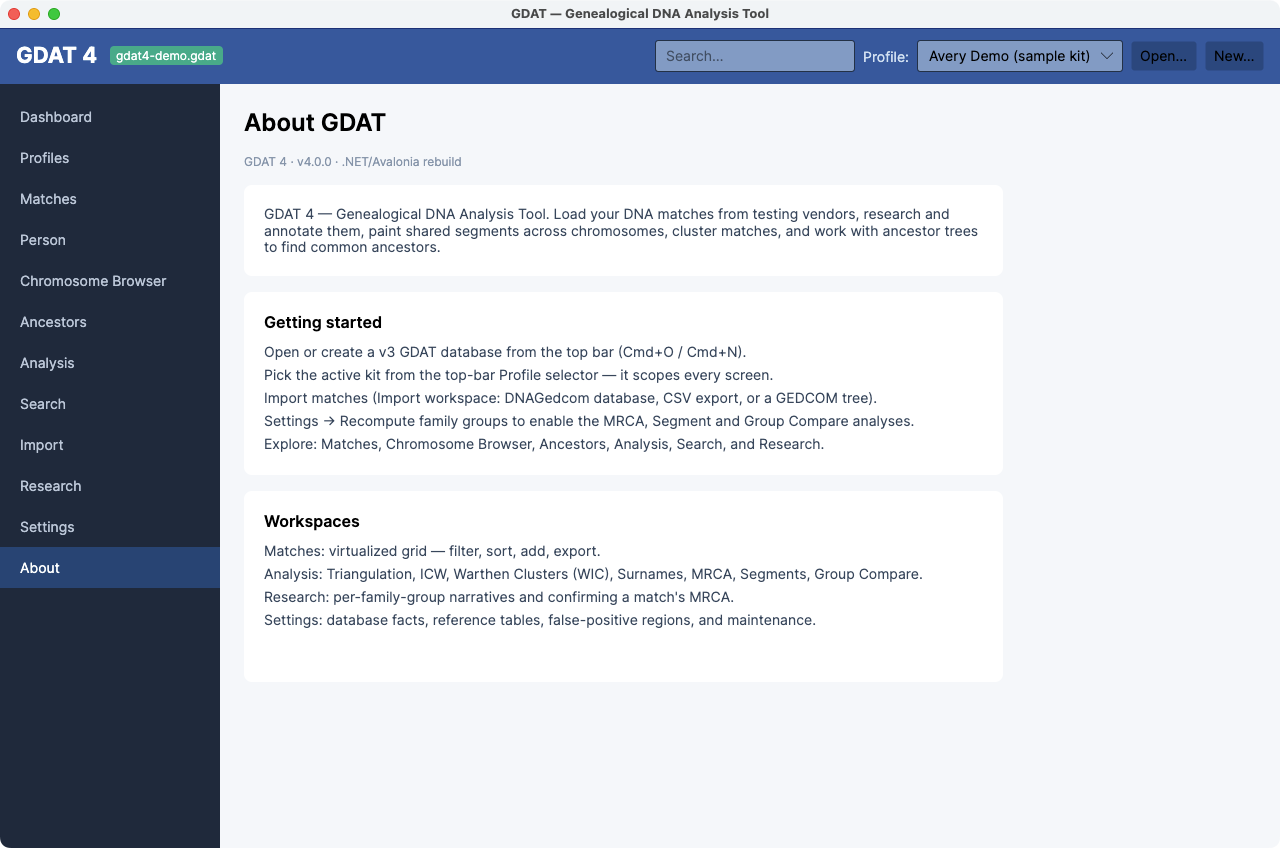
The getting-started steps on this screen mirror this help's
Getting Started page — a handy in-app reminder of the five-step
sequence.