Research
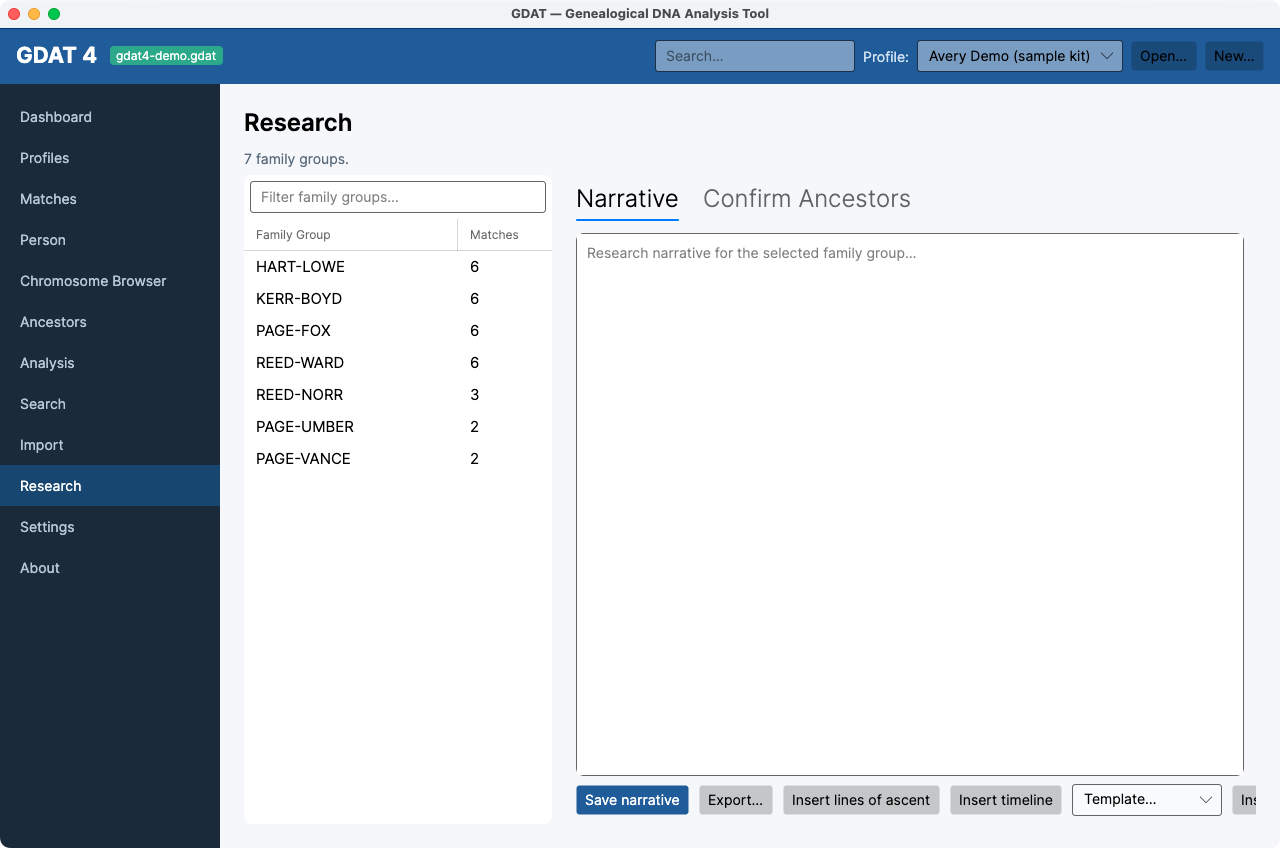
What it's for: turning your findings into documented research — a per-family-group narrative, and a place to confirm matches into their groups. Pick a family group in the left list (it filters), then use the two tabs.
Narrative tab
Write a research narrative for the selected group. Toolbar:
- Insert lines of ascent / Insert timeline — pull structured facts from the tree data automatically.
- Insert template (from the template dropdown) and Save as template — reuse boilerplate across groups.
- Save narrative and Export… — save inside GDAT and to a file. Narratives are plain text.
Confirm Ancestors tab
The group's members appear with Match, Shared cM, Side, MRCA Note. Select a member, review/type its MRCA note, and either Confirm → assign to this family group or Mark as MRCA (status only). See Confirm & document an MRCA.
The family-group list is empty until you
recompute family groups in Settings.