Help
Help Menu
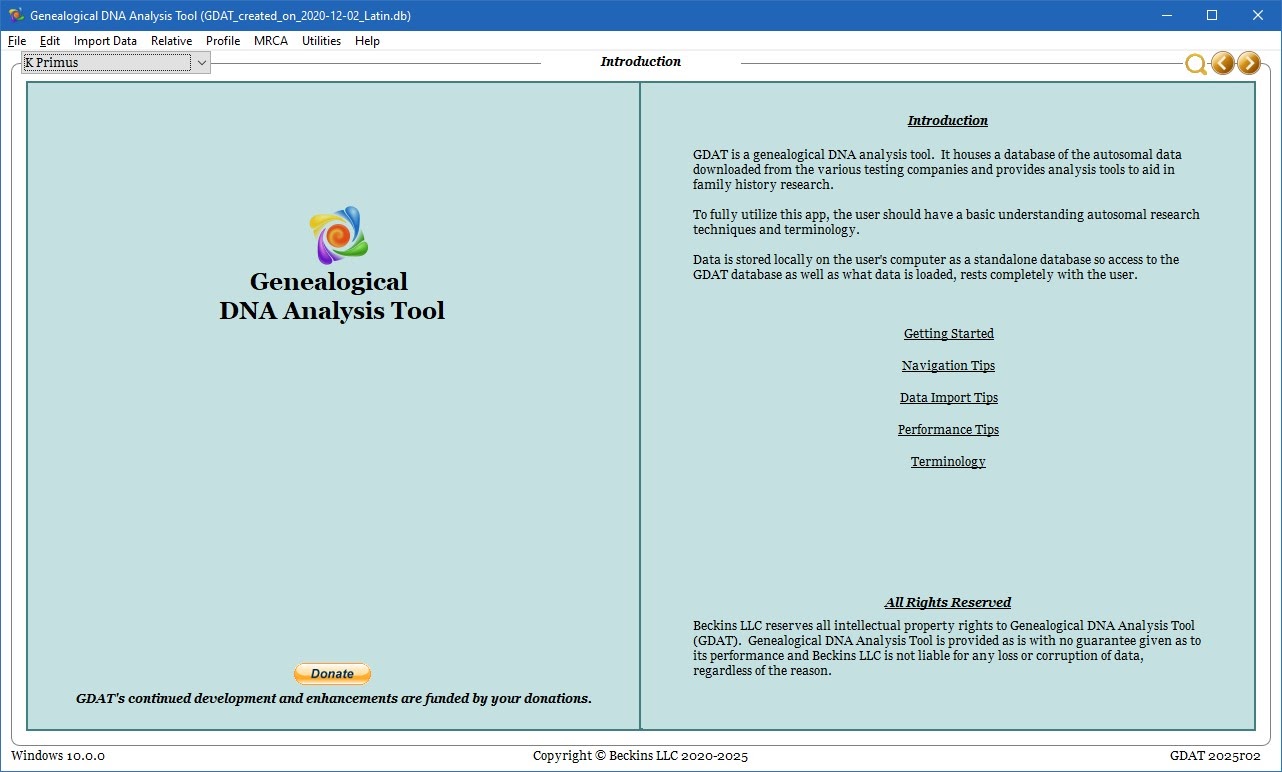
Initial Main screen shown when starting brand new database.
It can be reached at any time via Help.
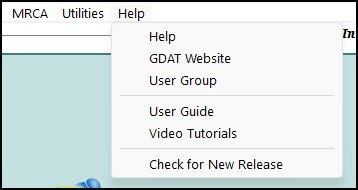
The Help dropdown menu contains 6 items.
- Help - brings the user to the Help view
- GDAT Website - opens the website in the users default web browser
- User Group - opens the Facebook Group
- User Guide - opens the User Guide website
- Video Tutorials - opens the Video Tutorial page of the user guide
- Check for New Release - opens the download page of the website, allowing the user to compare the current available version with the version they are currently running.
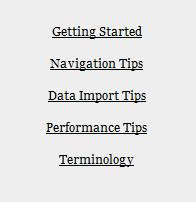
On this page, there are 5 linked pages within GDAT
The information on those pages is worth taking the time to read, and is included in this guide for your convenience.